
 RSS Feed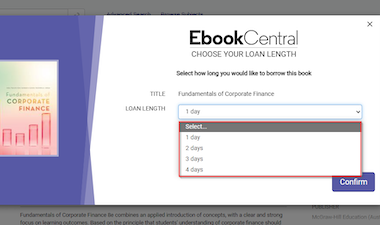
A faster, simpler way to download and read full ebooks from Ebook Central, replacing Adobe Digital Editions
To download ebooks from ProQuest Ebook Central, you must now use the Ebook Central Reader App – a faster, simpler way to download and read full ebooks from Ebook Central on your personal device.
This app replaces Adobe Digital Editions.
To download an entire ebook from Ebook Central, you will need to:
- Access an Ebook Central ebook title and sign in with your CruzID Gold
- Install the new Ebook Central Reader App on your computer or device ( Follow the Installation Guide or watch this short video walkthrough)
- You can now download your ebook for offline reading
👉 Need help? Visit the Ebook Central Help Guide or contact library@ucsc.edu for guidance. You can also sign up for a training session.
 1156 High Street


